
Skip to content

  • Documentation
    • Mobile App – Signatus
    • Web App – Signatus 2 API
    • Web App – OKdokument API
    • Web App – OKdokument
  • Contact Us

Customization – Wizard SDK

  • 1. What is a Wizard
  • 2. Introduction to Wizard Javascript API Calls
  • 2.1 Integration
  • 2.2 Document signing
  • 2.3 PDF Document Processing
  • 2.4 Device Features
  • 2.5 Files & Folders
  • 2.6 Application Features
  • 2.7 System Utilities
  • 3. Example: Simple process

Customization – PDF & Form Preparation

  • PDF Forms creation
  • 1. Tags
  • 2. Acrofields
  • 3. Sample document

Integration – REST API

  • 1. Introduction
  • 2. Download
  • 3. Upload

Integration – App-to-App

  • 1. Introduction
  • 2. How does it work?
  • 3. START-ACTIVITY-FOR-RESULT (APP – SIGNATUS – APP)
  • 4. Sending data to Master Wizard via Intent
  • 5. Runtime Configuration Parameters (Display, Fields, Signing Process)

Hardware

  • 1. Android
  • 2. iOS / iPadOS
  • 3. Windows

Signatus user manual

  • 1. Introduction
  • 2. Main menu
  • 3. Signing
  • 4. Submit signed document
  • 5. Settings in detail
  • 6. Example Wizard
View Categories
  • Home
  • Documentation
  • Mobile App - Signatus
  • Integration – App-to-App
  • 1. Introduction

1. Introduction

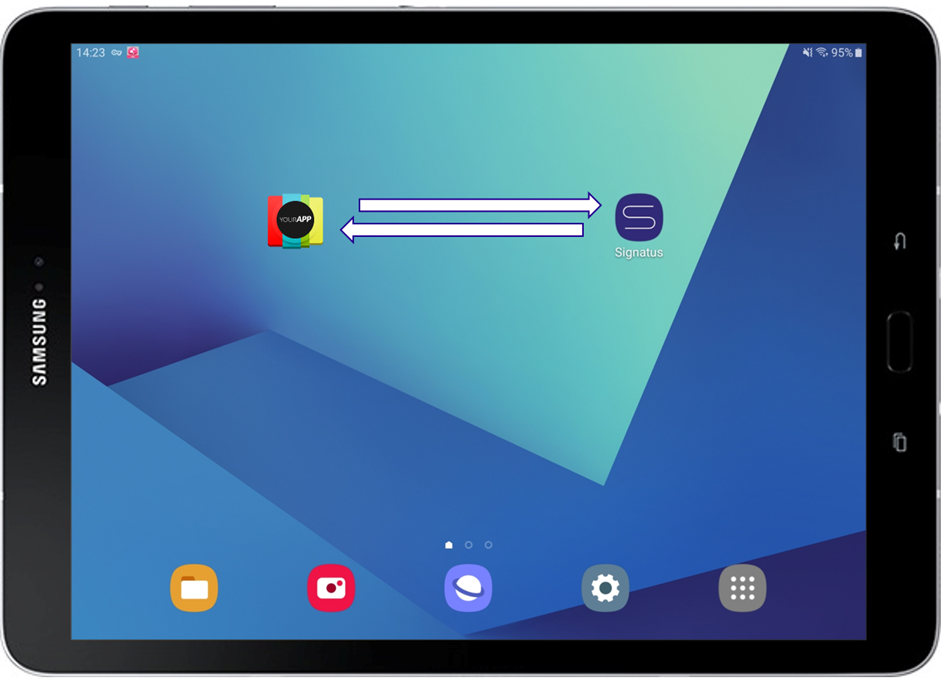
This guide describes how to integrate an existing Android application with the SIGNATUS mobile application so that PDF documents or metadata can be handed off for digital handwritten signing and returned to the originating app.
Updated on 04/02/2026
2. How does it work?
  • Documentation
    • Mobile App – Signatus
    • Web App – Signatus 2 API
    • Web App – OKdokument API
    • Web App – OKdokument
  • Contact Us
Proudly powered by WordPress